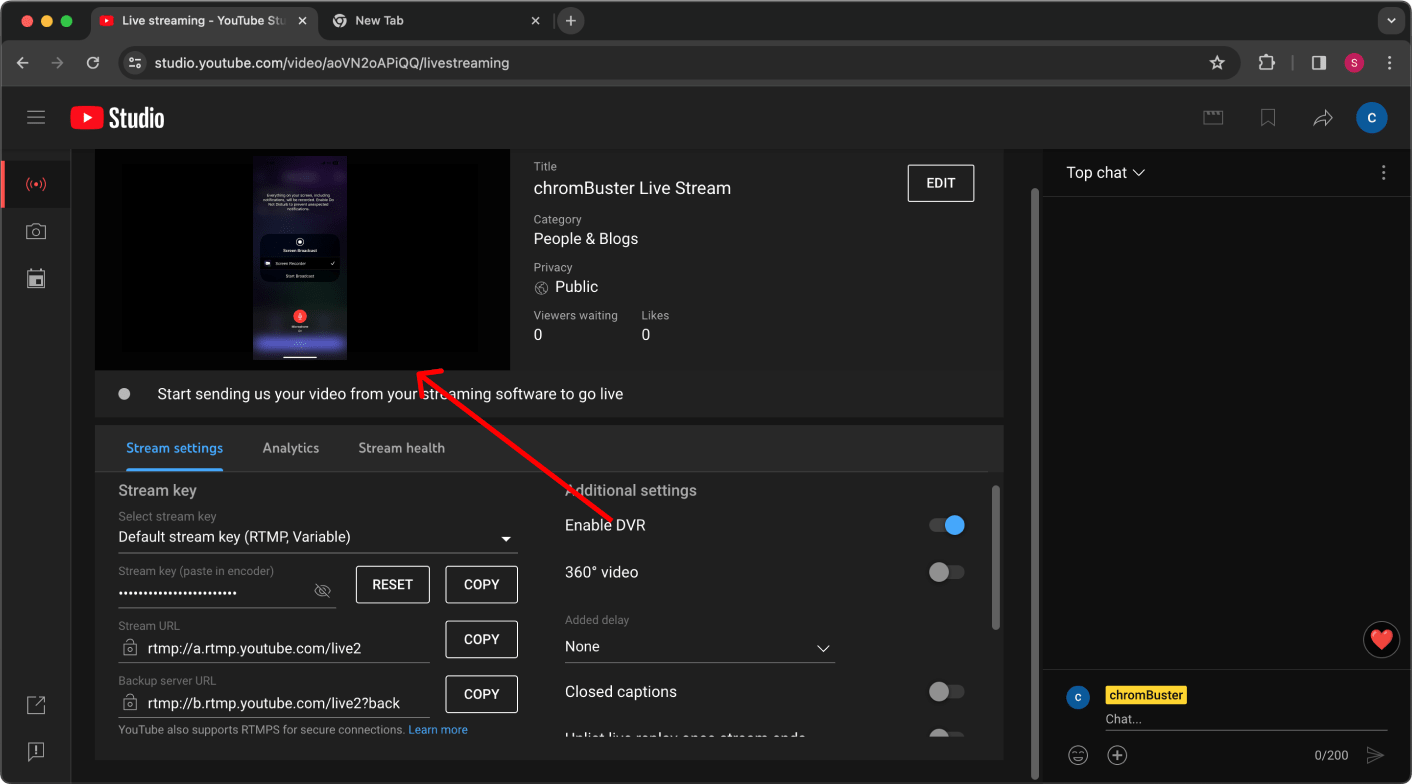
Go to YouTube on your computer and Click on the "+" and "Go Live"
Note - Verify your YouTube account by completing YouTube's live streaming eligibility requirements (If not already done then it will take up to 24 Hours before you plan to go live)
Welcome to Qveedo, Let’s get started with a step-by-step guide to unlock your streaming potential.
Go to YouTube on your computer and Click on the "+" and "Go Live"
Note - Verify your YouTube account by completing YouTube's live streaming eligibility requirements (If not already done then it will take up to 24 Hours before you plan to go live)
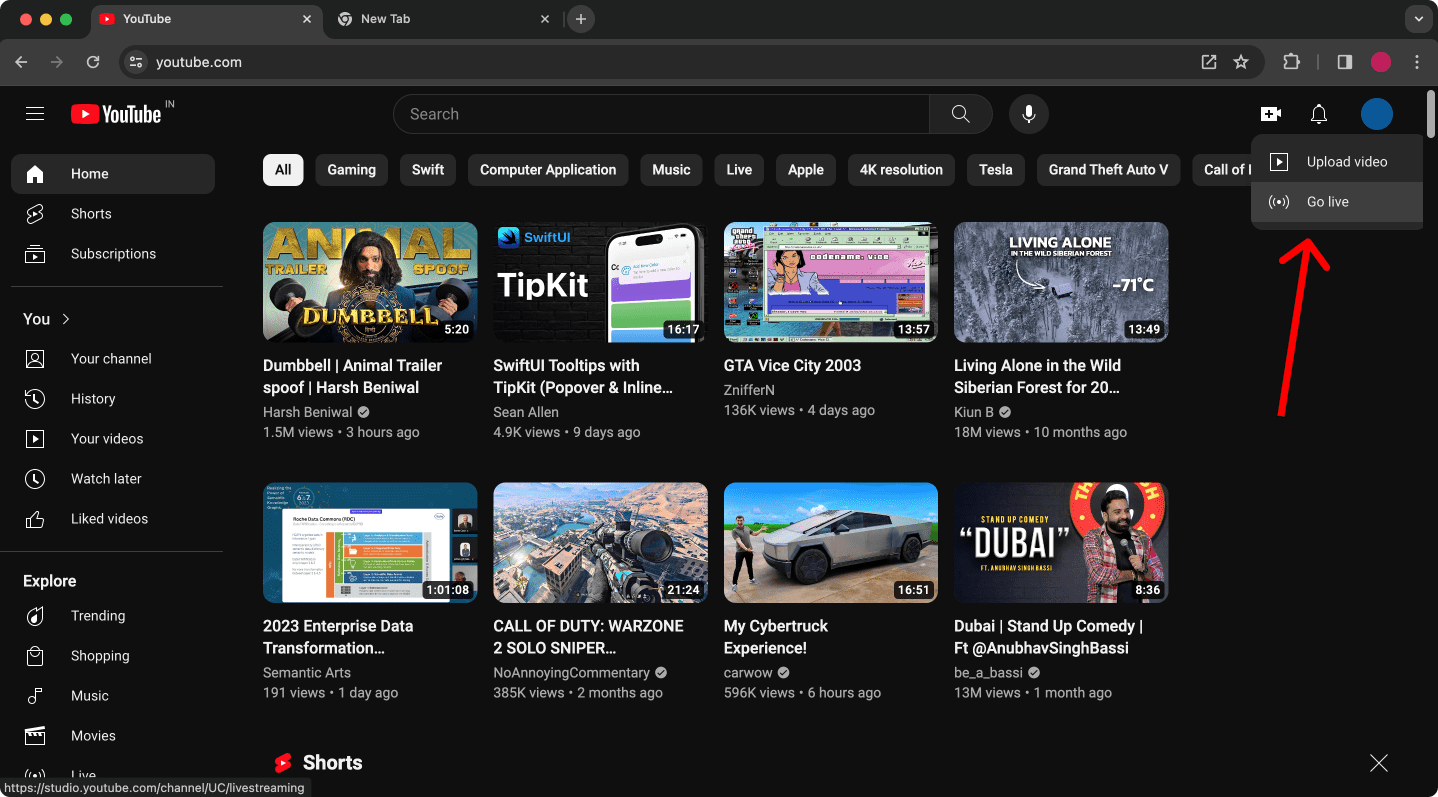
Find the Stream Key and Stream URL, copy them to your device.
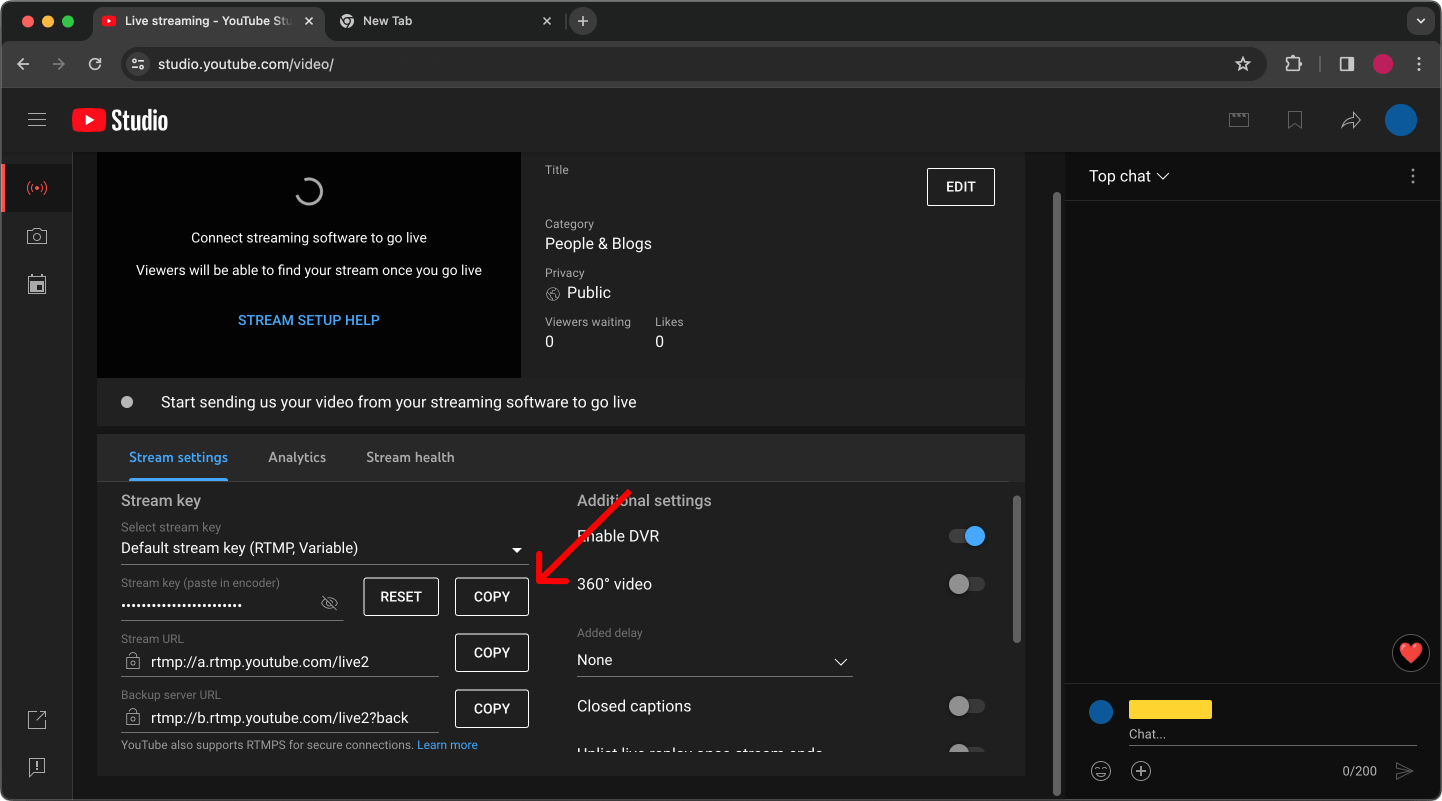
and paste the "Stream Key" in our app, then click on next and start streaming
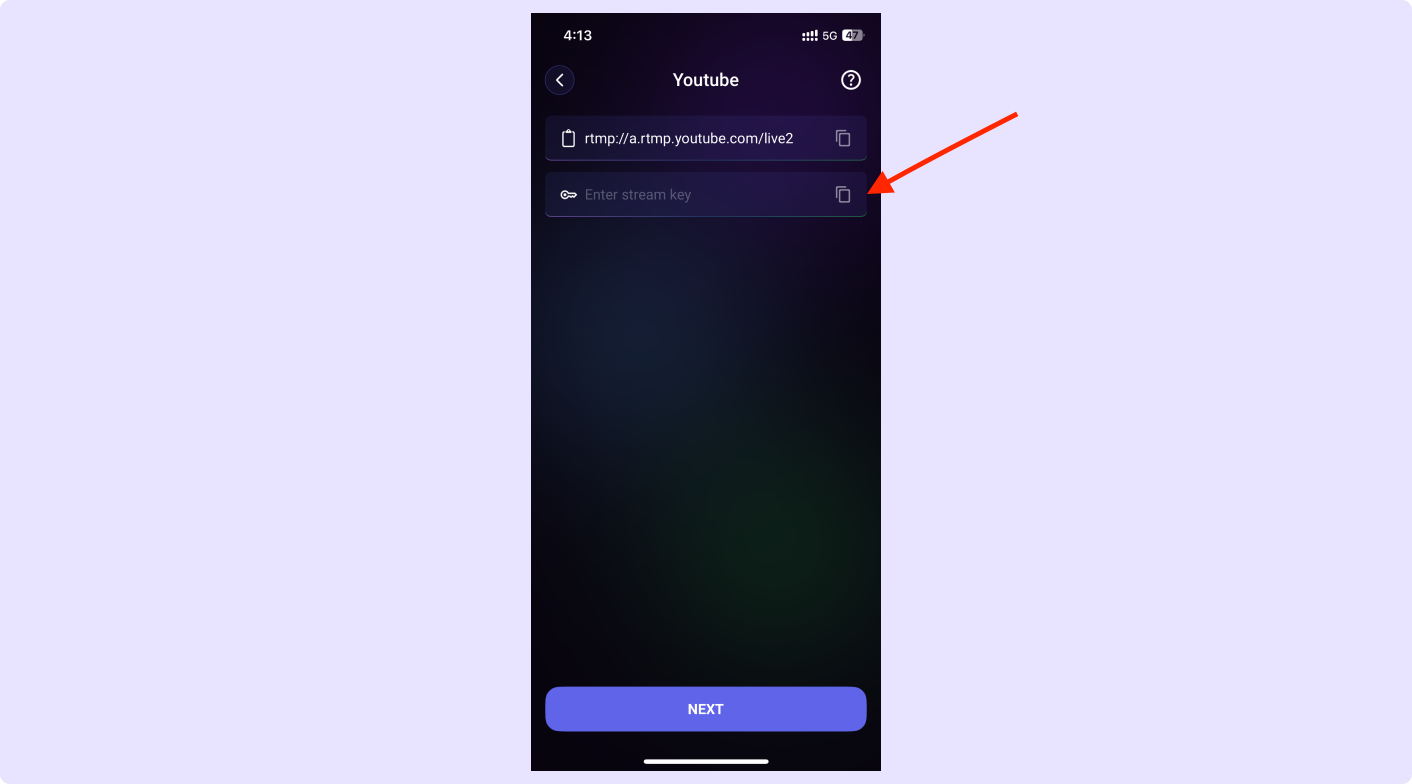
Once you see your device on you computer, Click on "Go Live" and start streaming.